Why a Useful Website Can Work Without JavaScript
Trill News Original
A reader should not have to wait for an application to assemble itself before opening an article. A search box should not become decoration because an optional script failed. For a publication, a useful question comes before choosing a framework: how much of the main task can the browser already do?
HTML can provide the content, links and forms needed for a working website. JavaScript can improve the experience, but the improvement does not have to be the only route through it. That distinction matters most to the person stuck with the failed request, an older device or a page that never finishes loading. They pay for a fragile design with their time.
A document is already something the browser can use
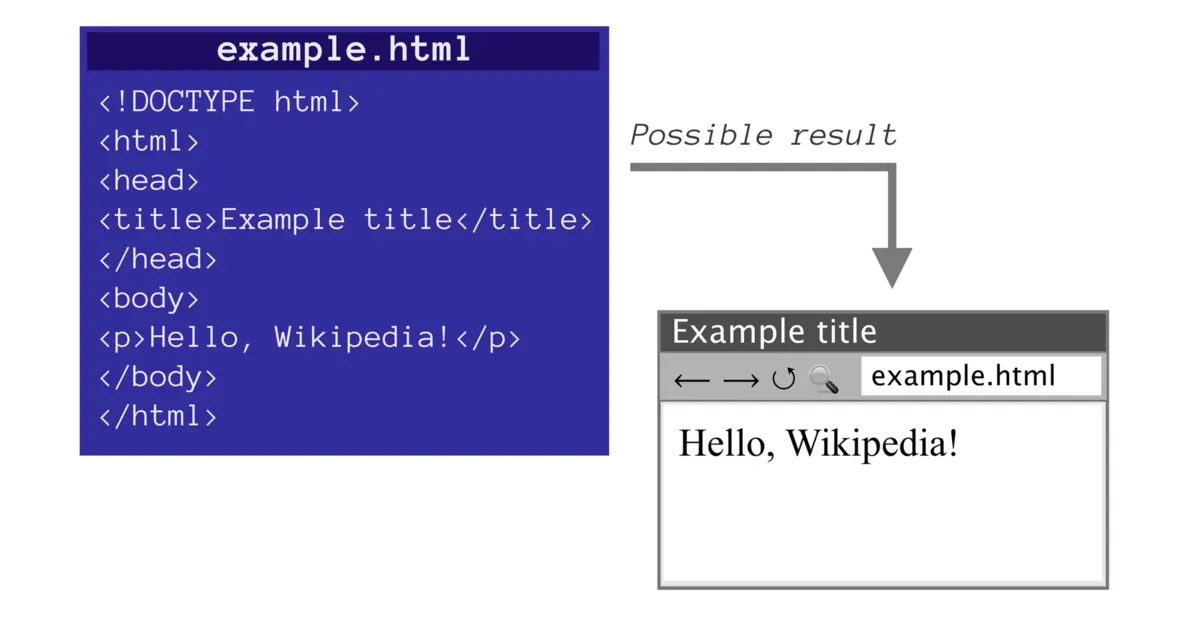
When a browser requests a page, the server can return HTML containing the article and its navigation. The browser interprets that document and requests associated resources such as stylesheets and images. It does not inherently need a separate script to fetch the article text before displaying it.
There are many ways to generate the response. A server might read a database, render a template or serve a file that was prepared earlier. From the reader’s perspective, the important distinction is whether useful content arrives in the document. Mozilla’s explanation of how the web works describes the request and response process underlying that choice.
A page can still load slowly without JavaScript. Oversized images, a slow server and expensive styling do not disappear. The point is to remove an unnecessary dependency from the task, not to award a performance certificate based on the absence of a programming language.
A link already knows how to travel
An HTML link with a destination gives the browser an instruction it understands. Readers can follow it, open it in another tab, copy the address or use it from a keyboard. Those familiar actions depend on the link being represented as a link.
Replacing that element with a visually similar object and a custom click handler creates work. Developers then have to consider behavior the native element already supplies. Mozilla’s anchor reference documents both destinations and the browser behavior surrounding them.
The editorial consequence is easy to overlook. A headline’s typography can invite a click while its implementation makes that click less reliable. The reader cannot repair the markup. A publication should treat a working route to the story as part of publishing the story, rather than a finishing touch applied by a designer.
Search does not require a custom application
A search form can contain a labeled text field and a submit button. With a GET form, the browser can put the entered query into the destination URL and request the results page. The server performs the search and returns another document. No custom JavaScript is necessary for that basic exchange.
The resulting address can also be copied or bookmarked. This is a useful feature for someone collecting background coverage or sending a colleague a search, not merely an implementation convenience. Mozilla’s form reference explains the action and method that control submission.
The server still has responsibilities. It must interpret the query, handle empty input and present understandable results. Removing a browser script does not remove application logic; it changes where some of that logic runs. A clear separation can make it easier to preserve the basic task when optional browser features are unavailable.
Some interactions are native too
The choice is not limited to static text or a large custom application. HTML includes a disclosure control using the details and summary elements. A reader can open and close it without a script supplied by the site. The browser manages the basic interaction.
That does not make every native element suitable for every interface. It does mean a team should check what exists before rebuilding a familiar control. Mozilla’s details reference describes the disclosure element and its behavior. For supporting explanations or optional background, such a control may be sufficient.
This is a practical division of labor. The browser handles established interaction patterns, while the publication spends effort on the material readers came to understand. Bespoke behavior earns its place when it solves a reader problem that the simpler control cannot solve.
Validation has limits on either side
HTML can express some input constraints, including required fields and recognized input types. A browser can use those constraints to explain a problem before submitting a form. A script may add more specific feedback, but it is not the only way to detect an empty required field.
Browser validation is also not a security boundary. Requests can reach the server without going through those controls, so the server must validate the data it receives. Mozilla’s form validation guide distinguishes feedback for the user from checks that a server cannot safely delegate.
This is where a slogan about eliminating JavaScript becomes less useful than a concrete design. The question is which layer owns a responsibility and what happens when another layer fails. A simpler interface still needs correct processing behind it.
Enhance the route that already works
Progressive enhancement starts with a usable baseline and adds capabilities for browsers that can support them. A category link can lead to a real page, then gain an optional filter that updates the current view. A form can submit normally, then gain faster feedback. Mozilla’s progressive enhancement definition describes this approach to delivering core content and functionality broadly.
Trill News uses that distinction in its programming section: navigation has real destinations even where browser code adds filtering. The useful test is behavioral. Disable scripting and try the main journey: open the story, follow a topic and submit a search. Then enable it and check that the enhancements preserve those routes.
Rich editors, interactive maps and other complex tools can justify substantial client code. An ordinary article page has a different job. Before adding another dependency to its opening seconds, ask what the reader gains and what they lose when it fails. A website is useful when the task succeeds, not when its technology list is long.